Associating Services to Tests
Services defined in a Workspace can be associated to SSL Monitors, Browser Tests, API Monitors or Collections in that Workspace. This allows visualizing Service health based on the status of associated tests.
A test or monitor can be associated to multiple Services. When the test or monitor reports a failure, all associated Service tiles will reflect the failure on Service Overview page.
To associate a test or a monitor to a Service:
- Navigate to Browser Test, SSL Monitor, API Monitor or Collections page.
- From the list of tests, click the Edit button.
- The Edit page will be shown for the Test/Monitor.
- Scroll to find the Associated Services section.

- Select all the Services from the list to be associated to the test or Collection.
- Click Save changes
- The test is now associated with the selected Services.
Here is an example view of the Overview page showing Documentation Service reporting an issue due to a failed test.
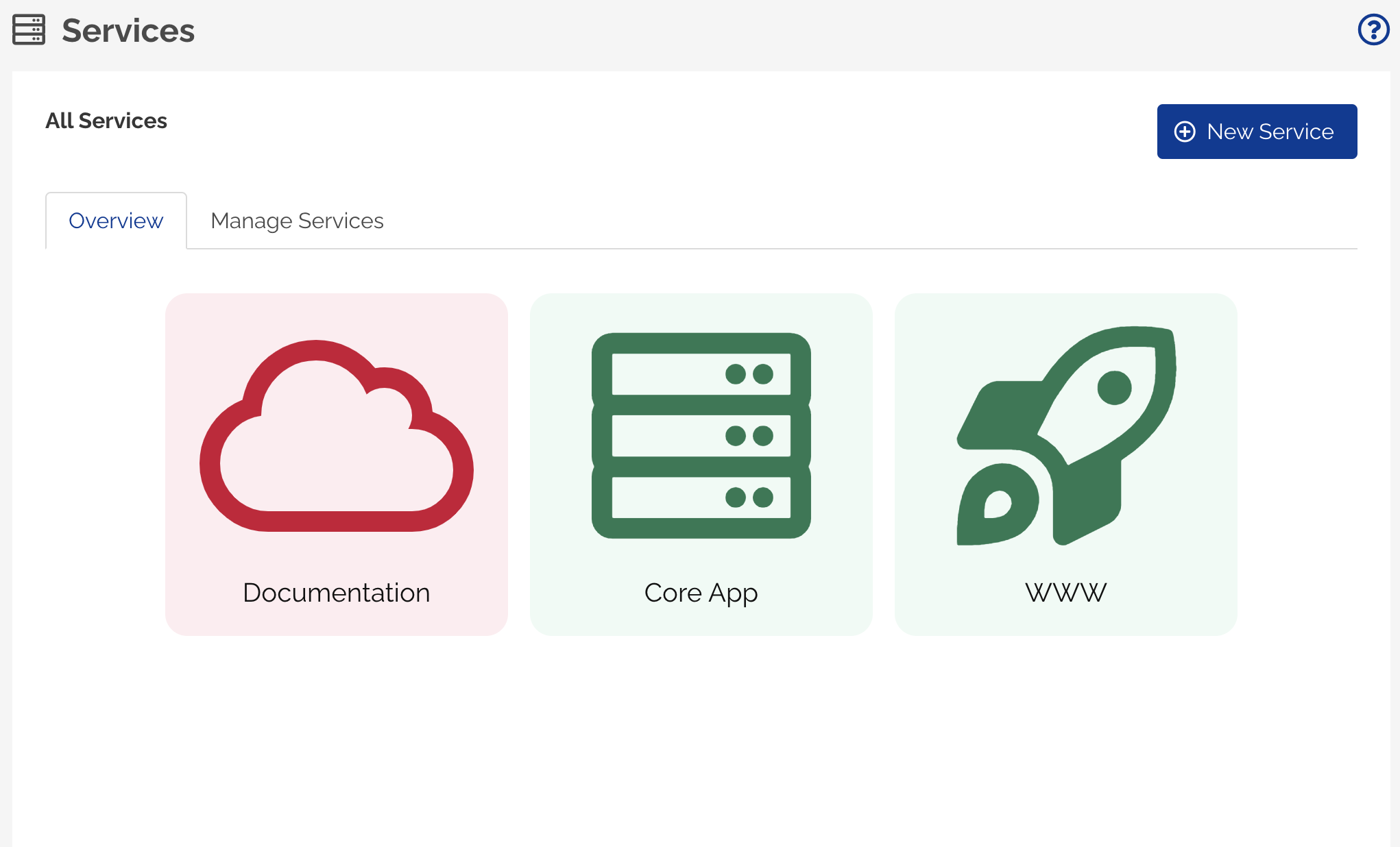
The tile will automatically change to Green color, when all the associated tests recover.