Create a Service
To create a new Service:
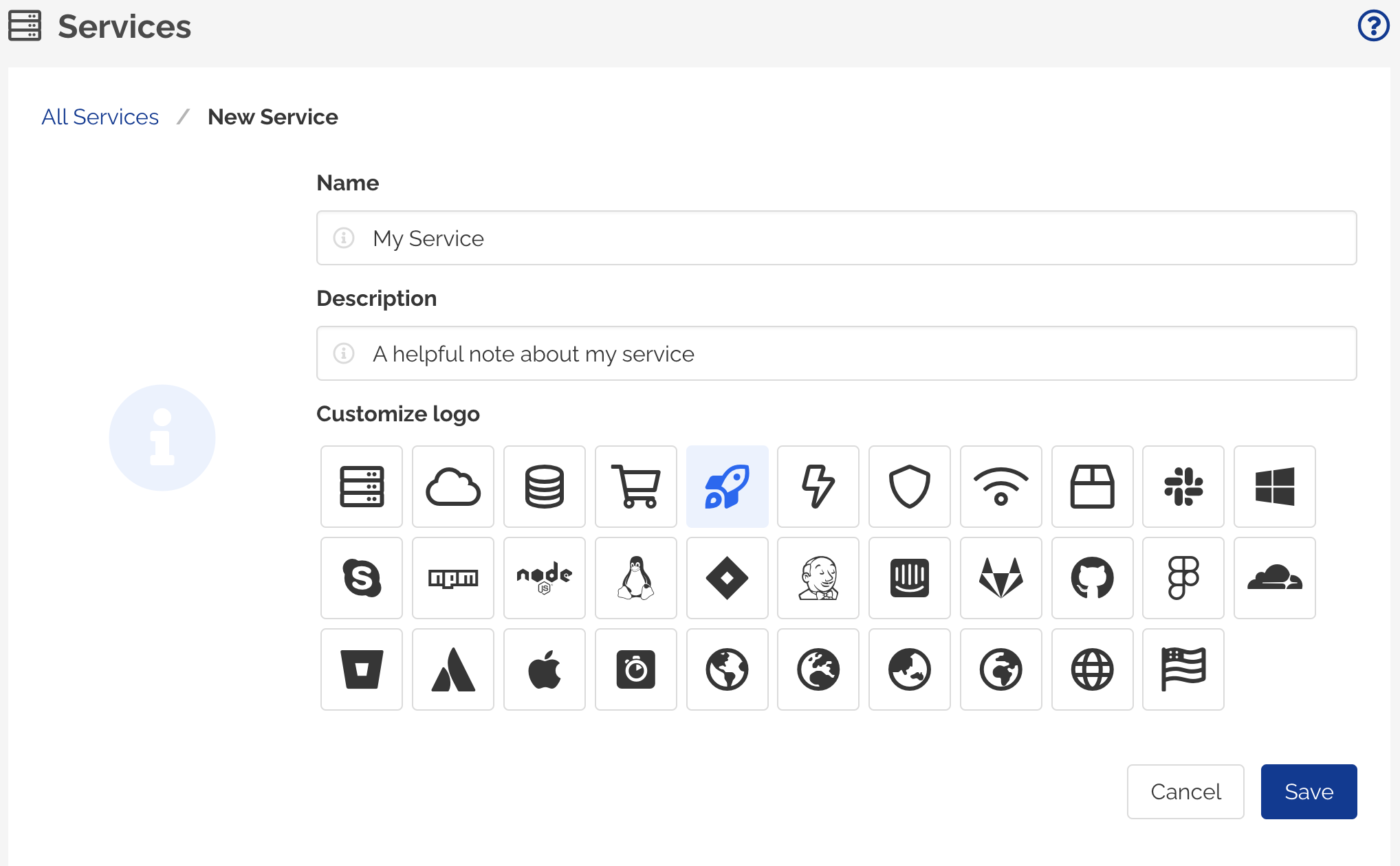
- Navigate to Services page from the left navigation menu.
- Click New Service button.
- Provide a Name for the Service.
- Provide a brief Description for the Service.
- Select a Logo from the list of available icons.
- Click Save
- A new Service is created.
Edit a Service
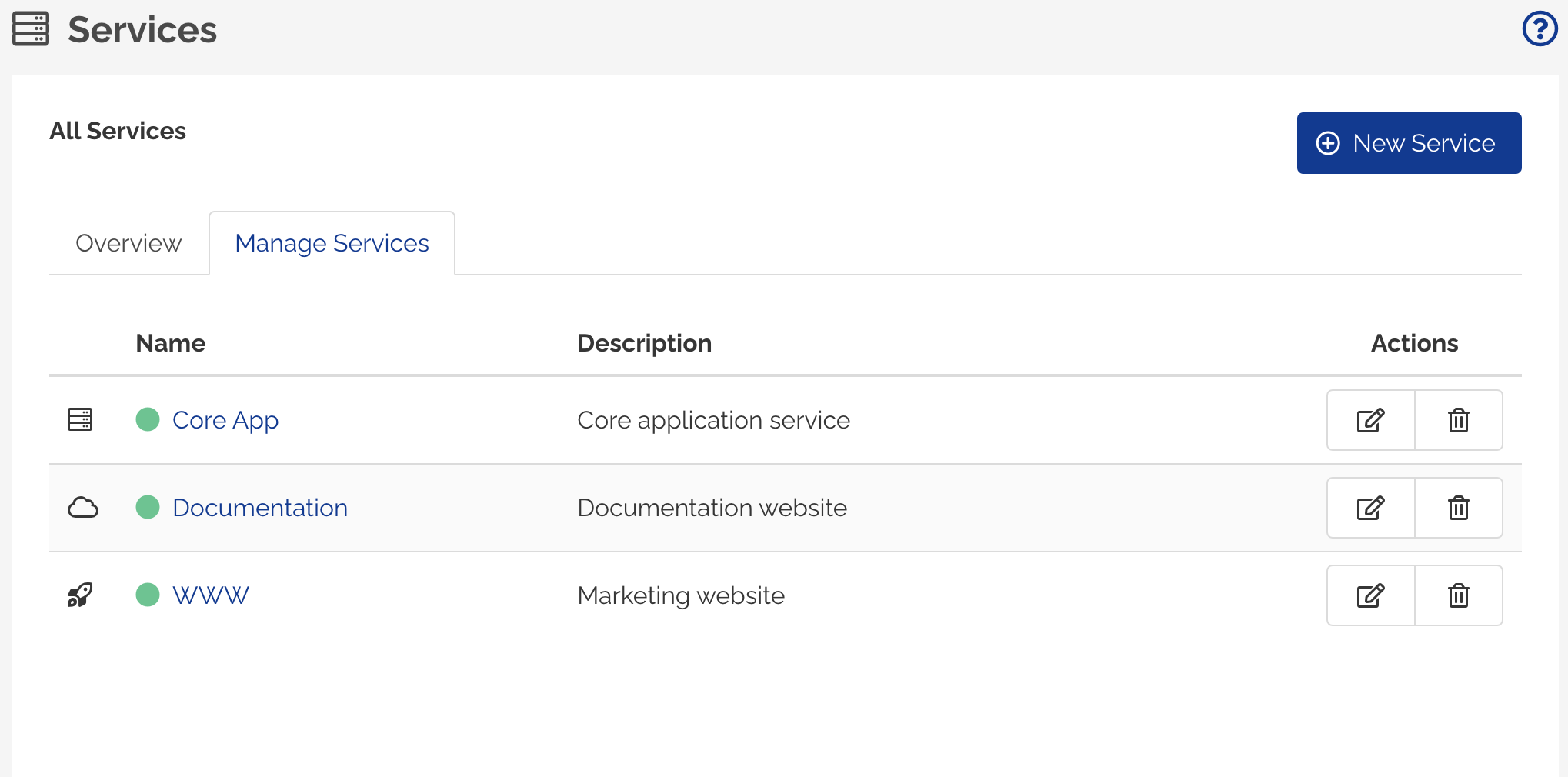
To edit a Service:
- Navigate to Services page from the left navigation menu.
- Click Manage Services tab.
- Click Edit Service button for the Service to be edited.
- Update the Name, Description or Logo for the Service.
- Click Save changes button.
Delete a Service
To delete a Service,
- Navigate to Services page from the left navigation menu.
- Click Manage Services tab.
- Click Delete button for the Service to be deleted.
- A confirmation modal dialog will be displayed.
- Click Delete button to confirm deletion of the Service.