Create new Workspace
If you have signed up for a new account without being invited to an existing Workspace, you must create a new Workspace to access the product features.
To create a new Workspace:
- Navigate to Switch Workspace page.
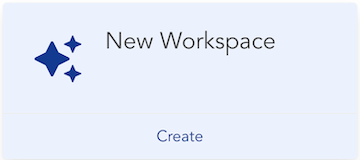
- Click Create button on the New Workspace tile.
- Enter a name for the Workspace in the modal dialog.
- Click Create button on the dialog.
- A new Workspace will be created.
- Click Log in to Workspace button on the newly created tile to login to the Workspace.