Slack Integration
Enable Slack integration for receiving alerts from all the monitors to the configured Slack channel. Only one Slack channel can be setup to receive notifications per Workspace.
We do not currently support sending Slack notifications to multiple channels or to monitor specific channels.
Enabling Slack integration
- Navigate to Global Alert Channels page in Workspace Settings.
- Click Activate Slack integration button.
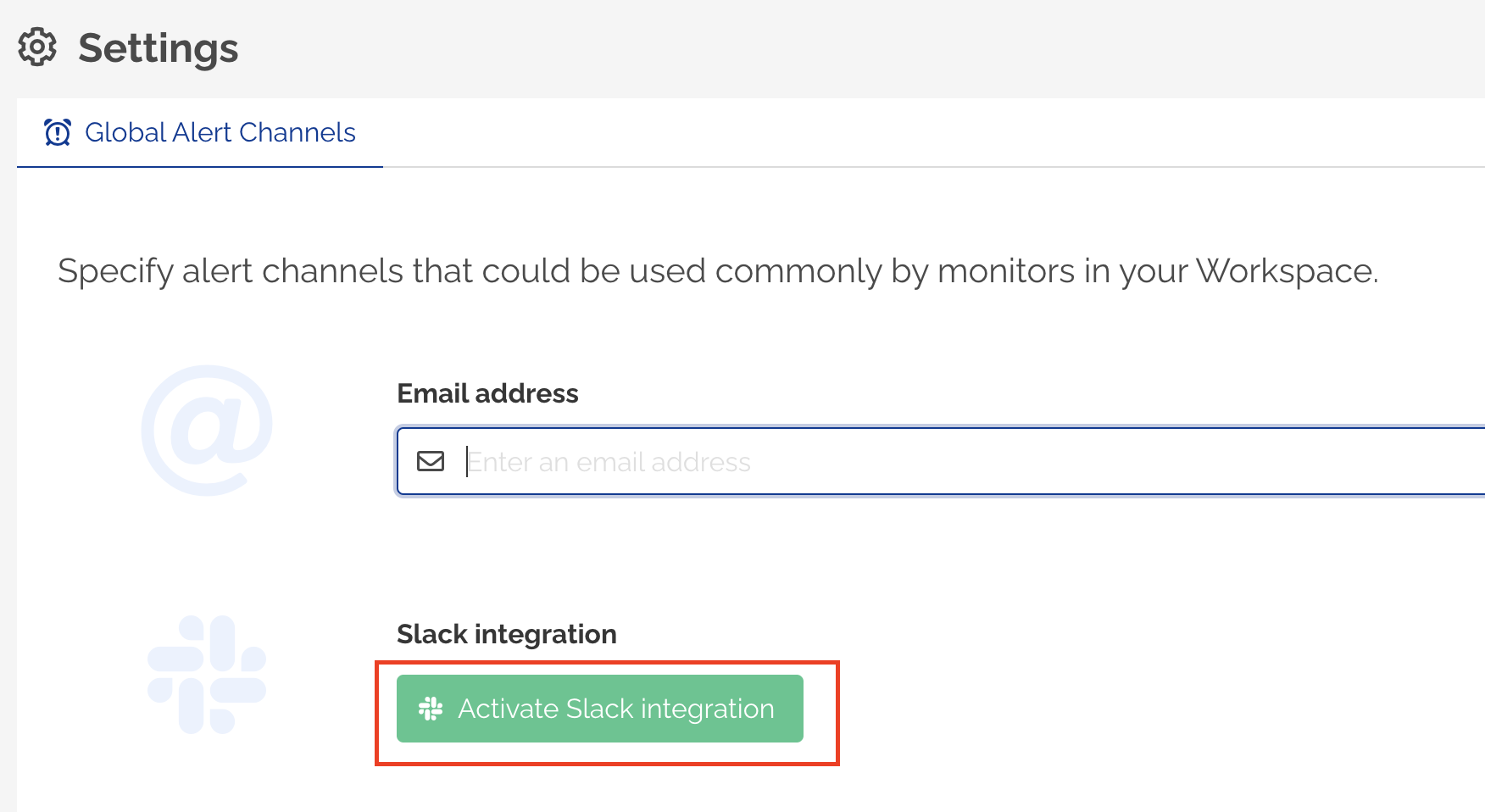
- A new popup will be displayed requesting permissions. If you are not already logged into Slack, you will be prompted to sign in to Slack workspace.
- Select the Slack Channel where you would like to receive notifications from your monitors.
- Close the popup when prompted.
- Global Alert Channels screen will show the Slack Channel name and Workspace configured with your Workspace.
Disabling Slack integration
- Navigate to Global Alert Channels page in Workspace Settings.
- If Slack integration is enabled for your Workspace, a 'Remove integration' button will be displayed.
- Click Remove integration.
- Click Save changes to confirm.