Create test from recipe
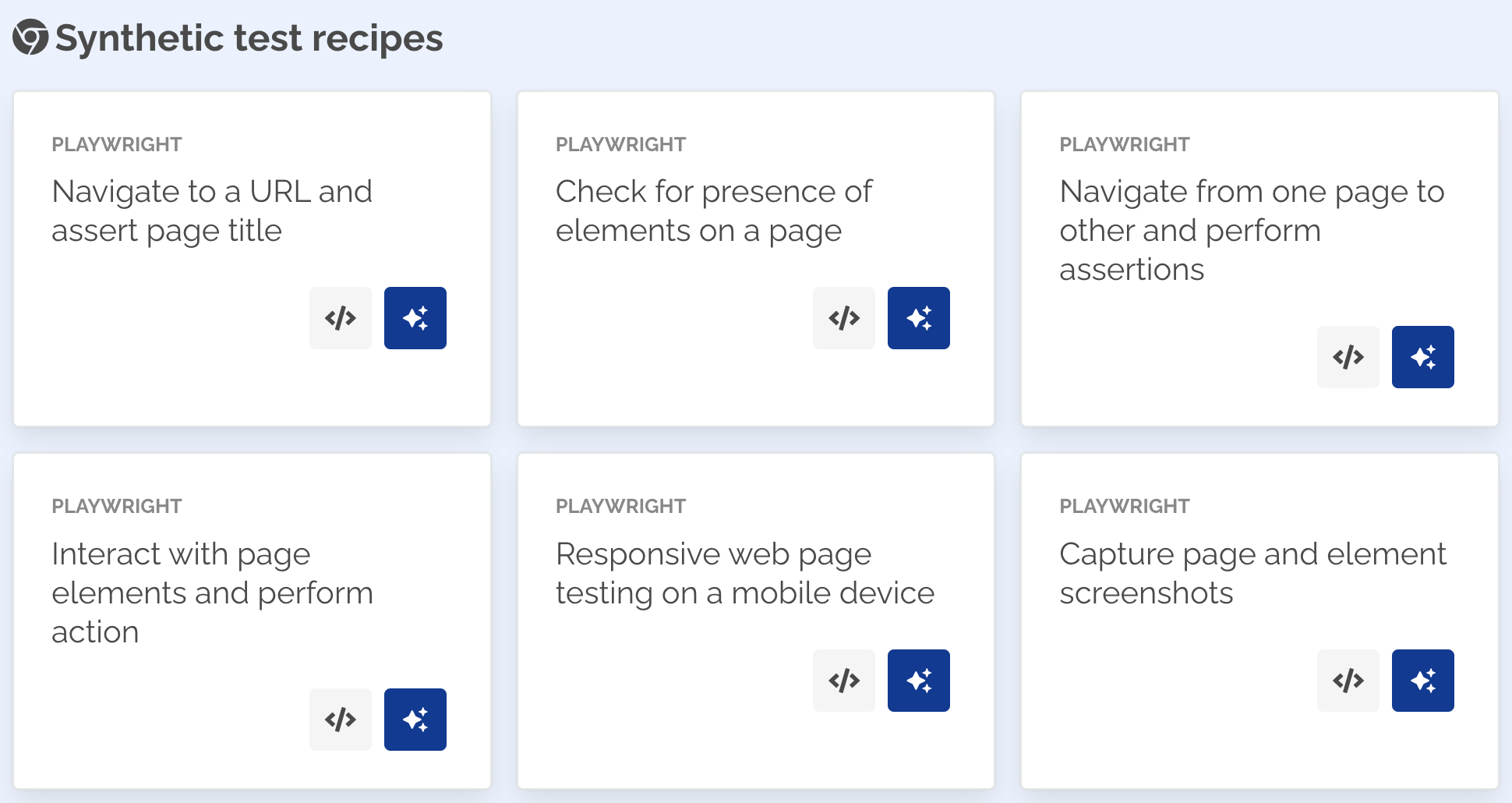
Navigate to Home page to see a list of Browser Test recipes that can be readily used for most common test scenarios.
Creating from recipe
Navigate to Home page.
- The Browser Test recipes section has a list of test scenarios that can be used.
- Click See the test code button to see the example code in a modal dialog.
- Click Create a new test button to create a new test from the recipe.
- The New Test page will be displayed with the selected example script prepopulated.
- Provide a Name for your test scenario.
- Optionally, select an Environment which contains variables that can be referenced in your test.
- Leave the Enabled toggle button ON to enable the monitor on creation.
- Click Submit
note
Browser Tests will have Snooze alerts enabled on creation. This is to prevent sending out alerts while you work on the script to ensure the test is running as expected. Once the script is working as expected, Unsnooze alerts for the monitor to start receiving notifications from the monitor.
Recording Tests
You can use Playwright's codegen tool to generate tests for your use cases. Refer Recording Tests for more details.