Browser Test Results
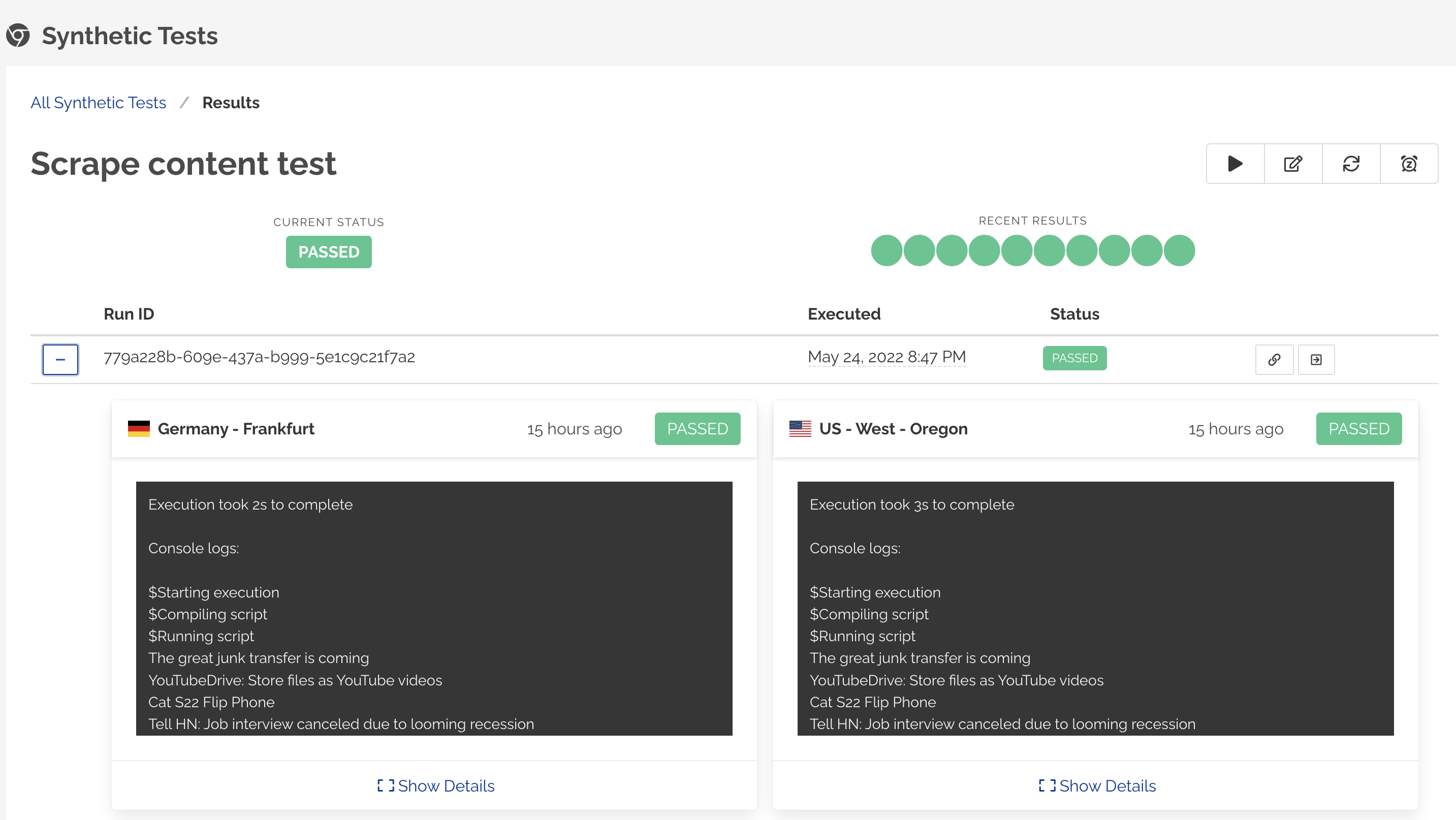
Browser Test Results page shows the historical monitoring results for the test.
Viewing results
- Navigate to Browser Tests page.
- Click on the monitor for viewing results.
- The Results page shows the latest status for the test, recent 10 results, any console logs and captured screenshots for the web page.
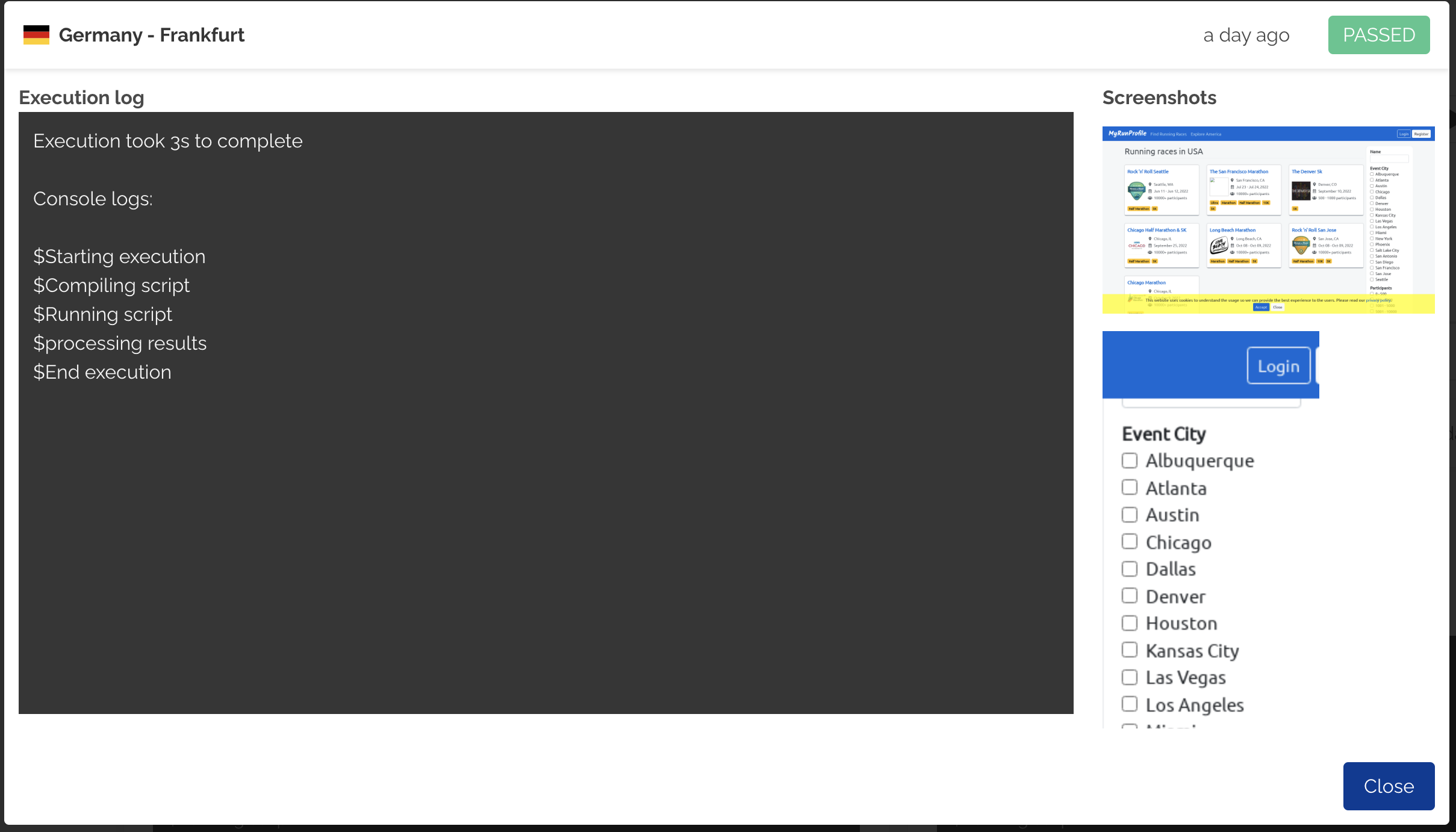
Specific run details
The tabular data in the results page shows detailed data per monitor run. Click the + (plus) button on the table rows to expand or click the See monitor results to see detailed run data.
The expanded section shows monitoring status and data from all selected monitoring locations.
Click Copy direct url to copy the run specific monitoring results URL.