No-code Editor
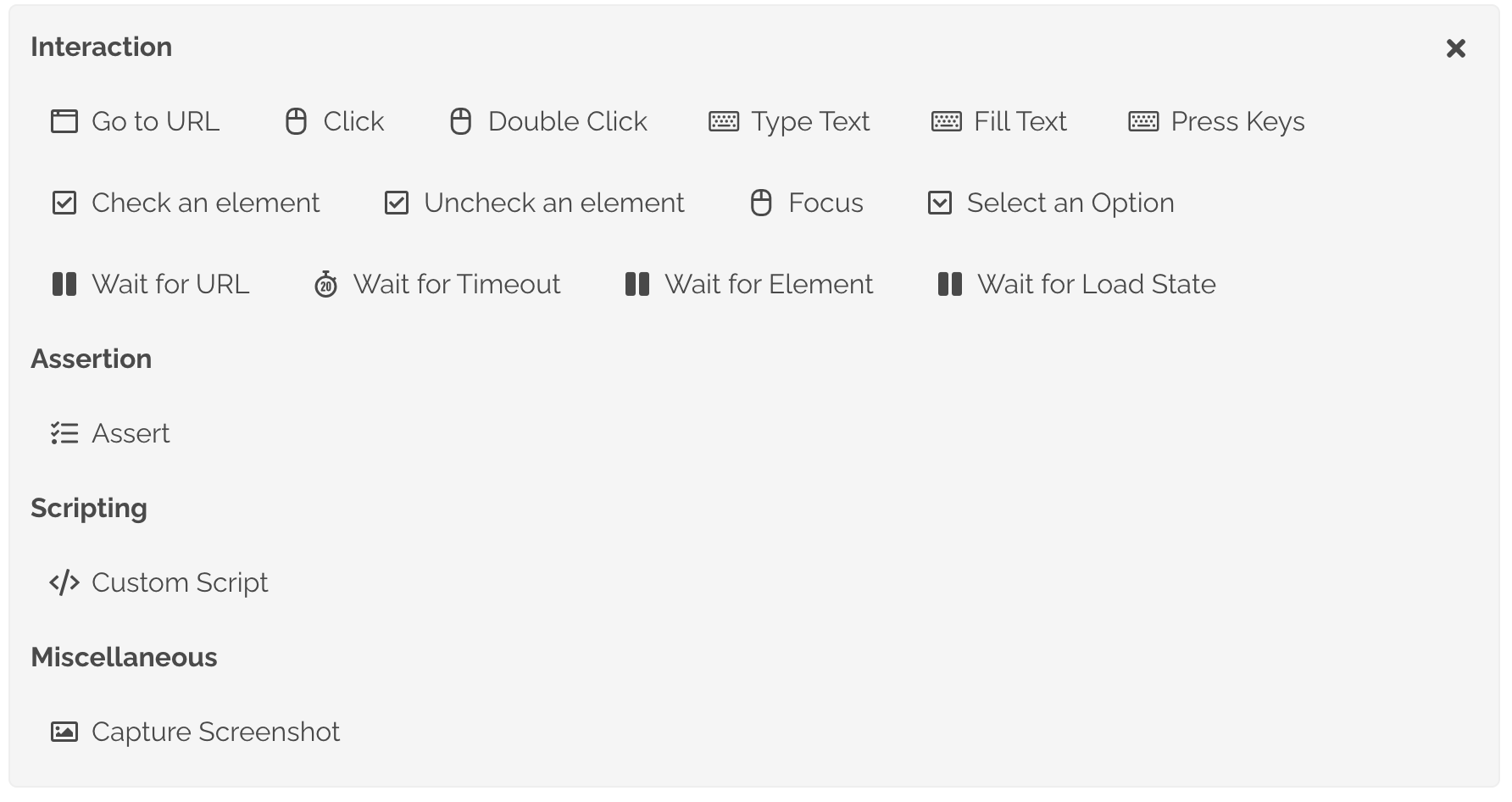
The No-code Editor allows you to create an end-to-end Browser Test by composing pre-defined actions to execute in a sequence. The editor has support for several most common actions to automate a scenario. You add add steps for each interaction or assertion you would to perform during the execution of the test. Drag and drop is also supported to change the execution sequence of each action.
For complex scenarios that cannot be automated with available actions, you can add a Custom Script action to directly define the script to be executed.
The Generated Script tab on the page allows you to see the script being generated for the actions added to the test. This allows you to check the actual script that will be executed while running the test and correct the code if changes are needed.
Tests created with no-code editor are executed with Chromium browser by default. You can choose to run your tests with Firefox or WebKit based browsers by changing the Browser configuration.
Switching to Scripting Mode
At any time you can switch your test from Non-Scripting Mode to Scripting Mode. This allows you to do any changes required directly to the script for executing your flow.
Please note that once a test is switched to Scripting Mode and changes are saved, we do not allow that test to be converted to Non-Scripting Mode. This is to ensure that we do not accidentally remove or overwrite any customization you may have done to the scripts.